03. Sign in to your account
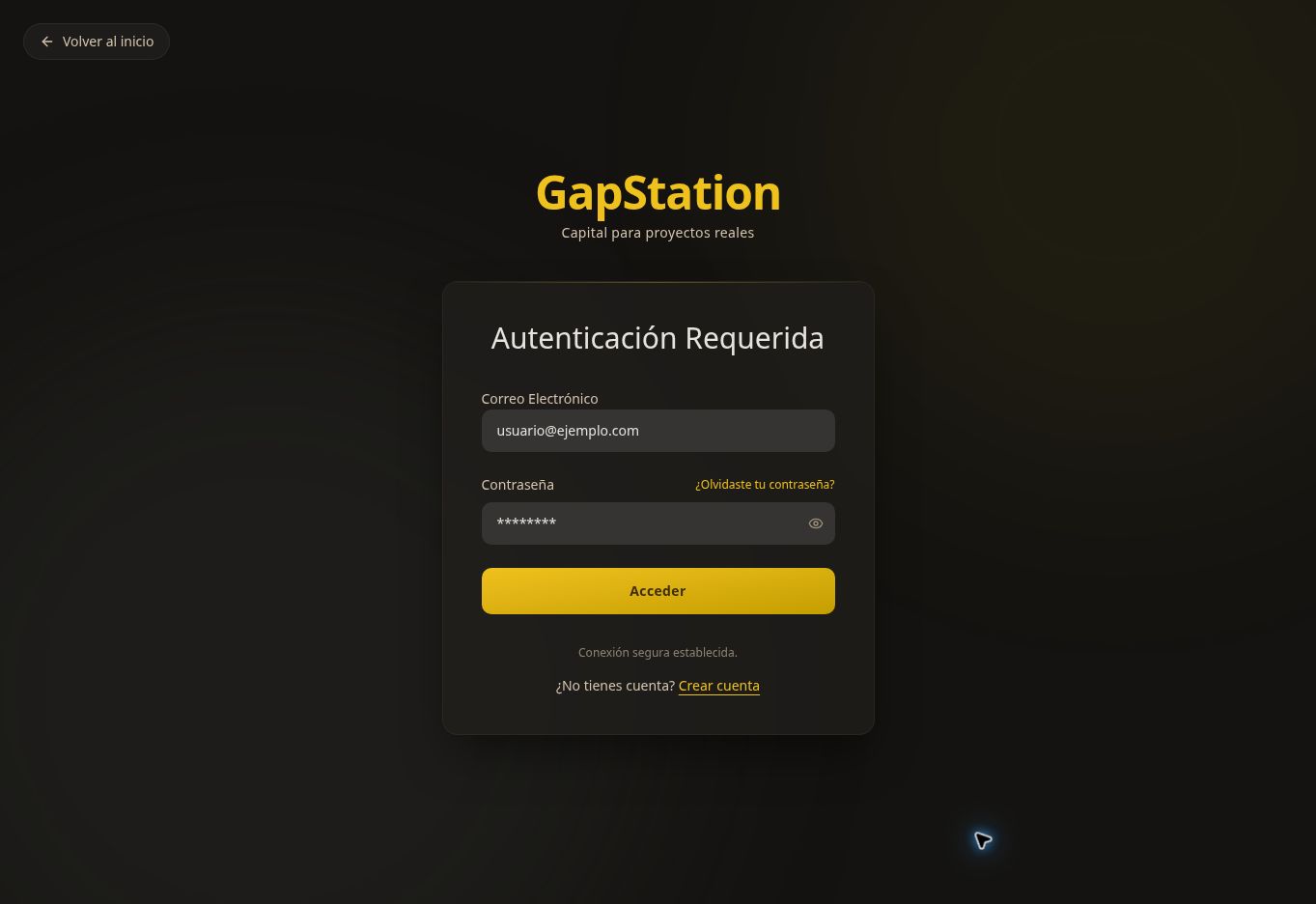 Sign in to your account to view your purchases and account activity.
Step by step
- On the GapStation homepage, select Sign in.
- Enter the Email Address you used to register.
- Enter your Password. You can use the visibility icon to check it.
- Select Sign in. Personal accounts open the Personal Dashboard.
Can’t sign in?
Check your email address and password. If you forgot your password, select Forgot your password? and follow the instructions. If you don’t have an account yet, select Create account.
When you’re done
Use Sign out in the side menu, especially on shared devices. Never share your password.
Screenshot from the test environment. The fields are shown empty.